
Contacts in the EMAK Web App
On this page
Contacts is your company’s shared contact list in the EMAK Web App. Each contact keeps its details together with its calls, texts, voicemail, faxes and your team’s notes, so whoever picks up the phone knows who is calling and what was said last time.
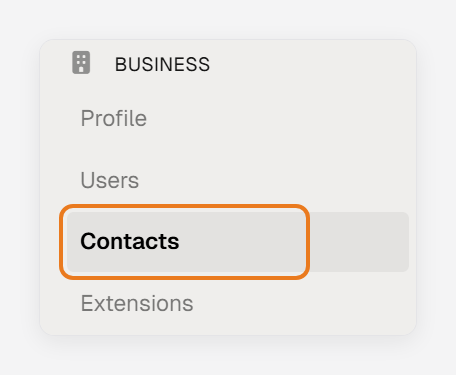
To open it, sign in at client.emaktalk.com, then in the left menu, under Business, click Contacts.
What you see
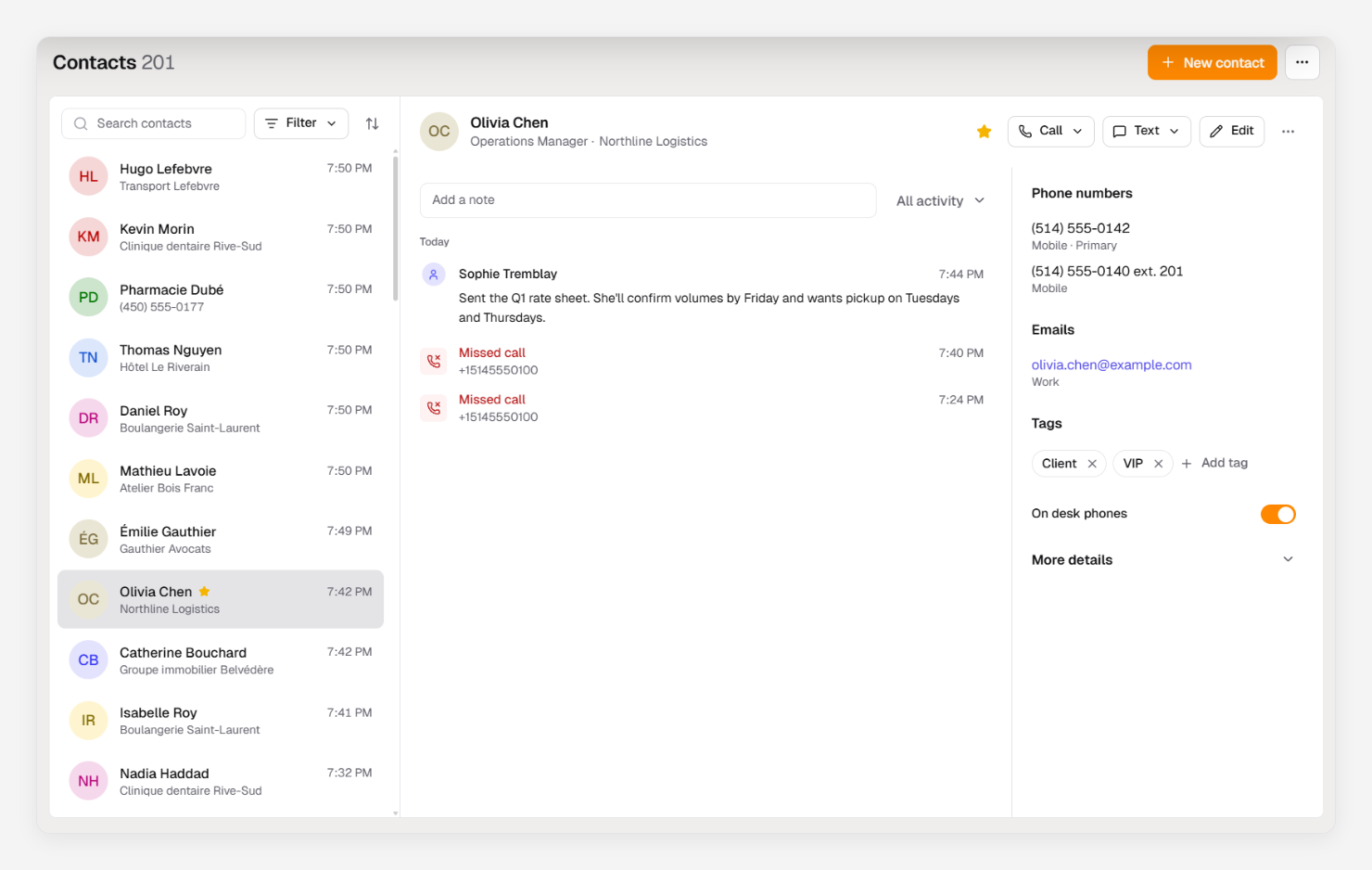
- The list, on the left. Contacts with the most recent call or text come first. Use the search box, Filter and the sort button to find someone.
- The open contact, on the right, in two parts: Activity (calls, texts, voicemail, faxes and notes, newest first) and Details (phone numbers, emails, tags and More details). On a smaller screen, they are two tabs.
- Call, Text and Edit at the top of the contact, and more actions under ⋯.
Shared with your team
A contact you add is shared with everyone in your company, and so are its stars, tags and notes. Each contact has an owner, and the owner or an administrator can make it private. Who can do what with contacts lists what each role can do.
When a number you don’t have calls or texts you, EMAK adds an auto-created contact for it, kept out of your main list until you save it.
What you can do
- Add, edit and delete contacts
- Import and export contacts (administrators)
- Find and organize your contacts: search, filters, stars, tags, and changes to several contacts at once
- See a contact’s activity and add notes, and call or text from a contact
- Choose who sees a contact: private contacts, owners and desk phones
- Save a caller as a contact
- Merge duplicate contacts (administrators)
- Block a number from a contact (administrators)
Was this article helpful?
Thanks for your feedback!