
EMAK SMS App — Web and Mobile Setup
EMAK SMS lets you send and receive text messages from your business phone number, on your computer or mobile device. It is a separate platform from EMAK Web App — once your administrator has provisioned an EMAK SMS account, you sign in with your email address and a password from the invitation email.
The mobile app interface is currently English-only; a French version is planned.
Getting Started
To sign in to EMAK SMS you need:
- User: your email address
- Password: the password from your EMAK SMS invitation email
If you have not received invitation credentials, contact EMAK Telecom support and they will set you up.
SMS on Your Computer
The web version runs in any modern browser:
- Open sms.emaktalk.com.
- Sign in with your email and the password from your invitation.
- You can immediately compose, reply, and search across all conversations from the web interface.
SMS on Your Mobile Device
The EMAK SMS mobile app is available on iOS and Android:

After installing
- Open the app and sign in with your email and password.
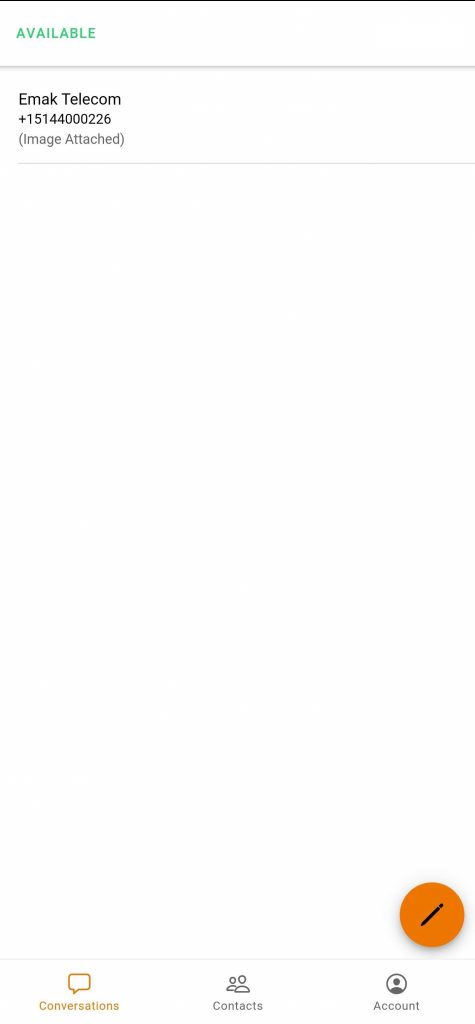
- You’re in — start texting.


Bulk Contact Import
Bulk-importing contacts from a list is currently only available on the EMAK Web App at sms.emaktalk.com. The mobile apps support adding contacts one at a time.

Use the sample import file as a template — match the column headers and EMAK SMS will accept the upload.
EMAK SMS FAQ
Is EMAK SMS the same login as my EMAK Web App?
No. EMAK SMS is a separate platform with its own credentials (email + invitation password). The EMAK Web App login (extension number + extension password) is unrelated. See SMS contacts for related guidance.
Can I send SMS from my regular EMAK extension or desk phone?
No — desk phones do not send text messages. SMS goes through the EMAK SMS web or mobile app.
I never received my invitation email.
Check your spam or junk folder first. If it is missing, the address on file may be wrong, or your inbox may be filtering EMAK domains — see Outlook junk email fix. Otherwise, contact support for a re-send.
Can my whole team share a single number?
Yes — multiple users can be granted access to the same EMAK SMS number, with each user signing in with their own email. Your administrator configures this in the EMAK SMS web portal.
Are MMS (picture messages) supported?
EMAK SMS supports text messaging on Canadian-numbered lines. Whether MMS attachments are available depends on the carrier route for your number — confirm with EMAK Telecom support if you need MMS specifically.
Running a dental clinic? See the phone system built for dental clinics →