
Set Up Your EMAK Web App Account
When your administrator adds you to EMAK, you receive an email inviting you to the EMAK Web App. Choose a password from that email to activate your account. You then use the same email and password in the web app and the Cloud Softphone.
Set Up Your Account
- Open the email from EMAK titled Welcome to emak: set up your account and click Set up your account. The link works once and for the time shown in the email (48 hours when your administrator sends it).
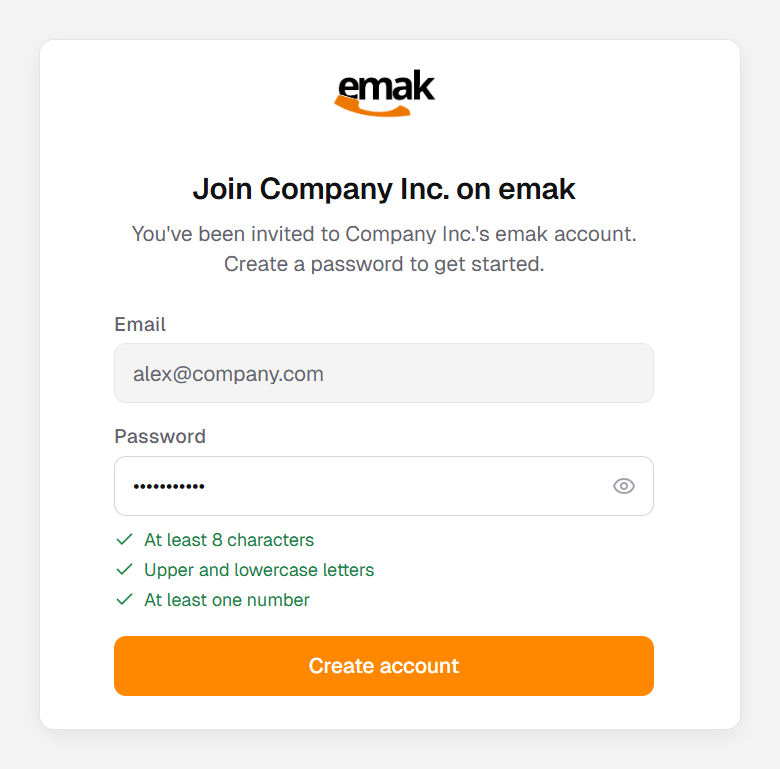
- Create a password. It needs at least 8 characters, upper and lowercase letters, and at least one number. Each requirement turns green when it’s met.
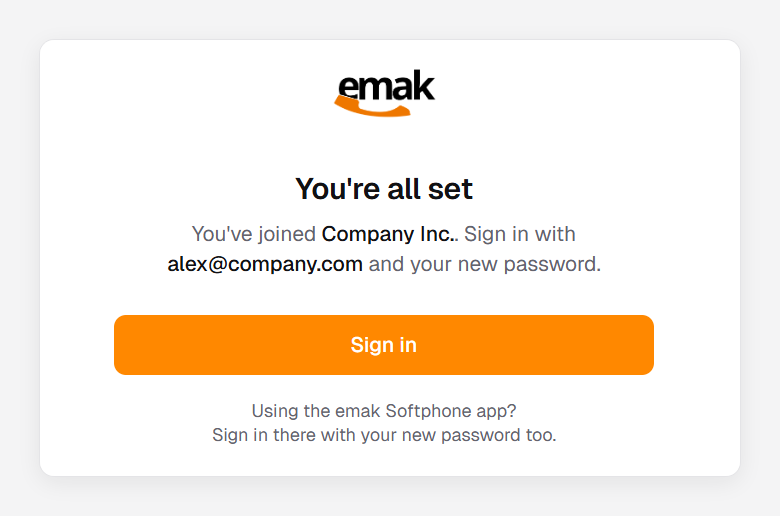
- Click Create account. When you see You’re all set, click Sign in and sign in with your email and new password.


If Your Link Has Expired
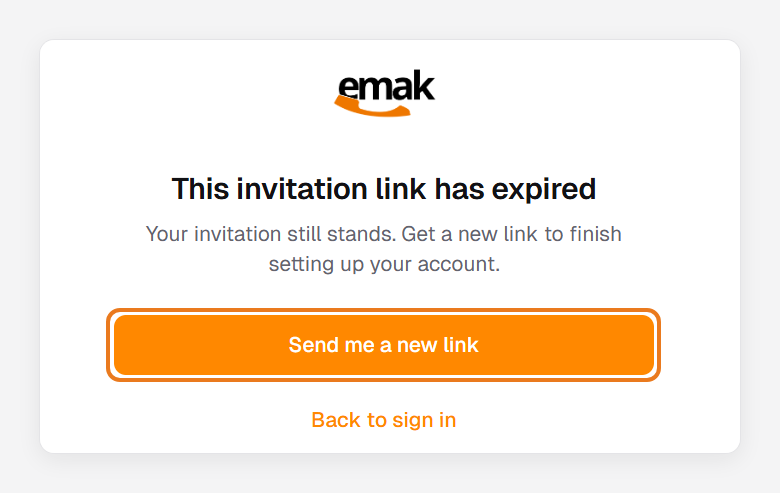
Your invitation stays open until you accept it. Only the link in the email expires, and you can get a new one yourself in either of these ways:
- Open the link from your email and click Send me a new link.
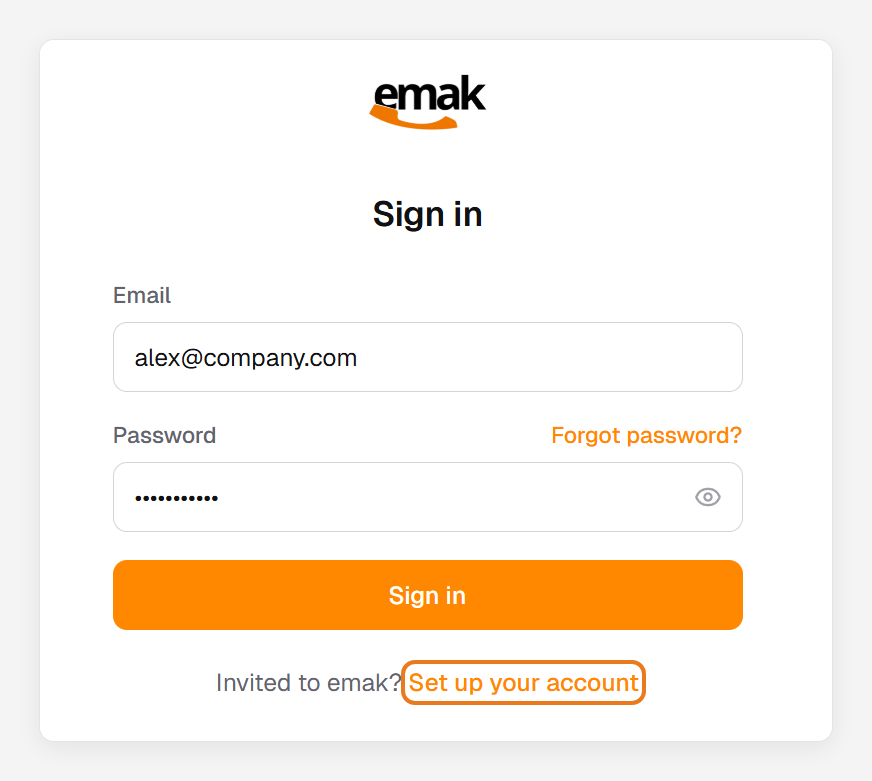
- Go to client.emaktalk.com and click Set up your account next to Invited to emak? Enter the email address you were invited with and click Send link.
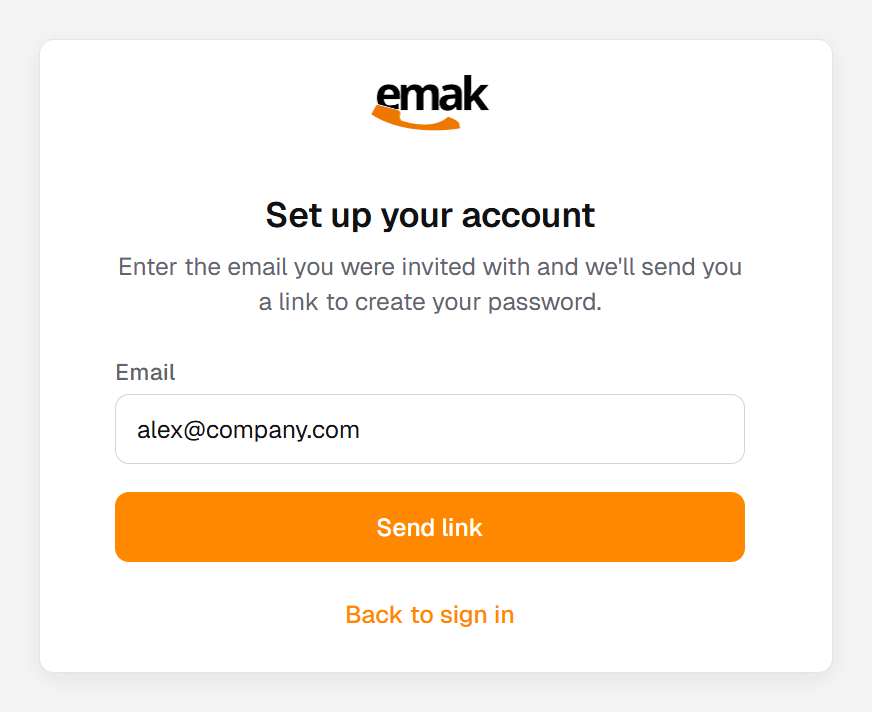


We send a new Welcome to emak email to the address your invitation went to. This link expires in 30 minutes, so open it right away and follow the steps above.
Account Setup FAQ
I can’t find the invitation email.
Check your spam or junk folder (see Outlook junk email fix), then ask for a new link from the Set up your account page. For security, the page answers the same way whether or not the address was invited, so make sure you use the address your administrator invited. Still nothing? Ask your administrator to check your email address, or contact EMAK Telecom support.
It says “Your password is set” but I can’t sign in yet.
An administrator of your organization needs to finish turning on your account. This can happen when you belong to more than one company on EMAK. Ask your account administrator.
It says “Your account is already set up.”
You’ve already chosen your password. Sign in with it, or reset your password if you’ve forgotten it.
Can I use “Forgot password?” instead?
Yes. If your account isn’t set up yet, Forgot password? sends you the same setup link.
I’m an administrator. How do I resend someone’s invitation?
In the web app, go to Business > Users, open the user and choose Password Reset. They receive a new invitation email, valid for 48 hours.